How to make a pet coloring page
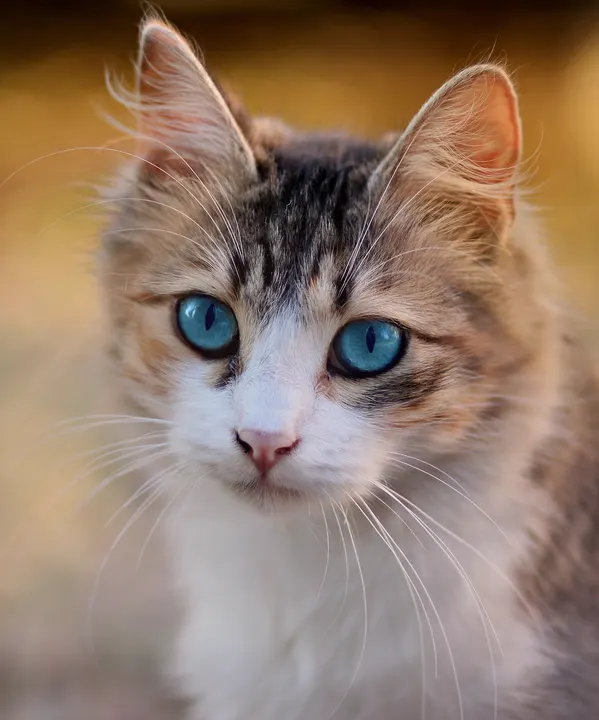
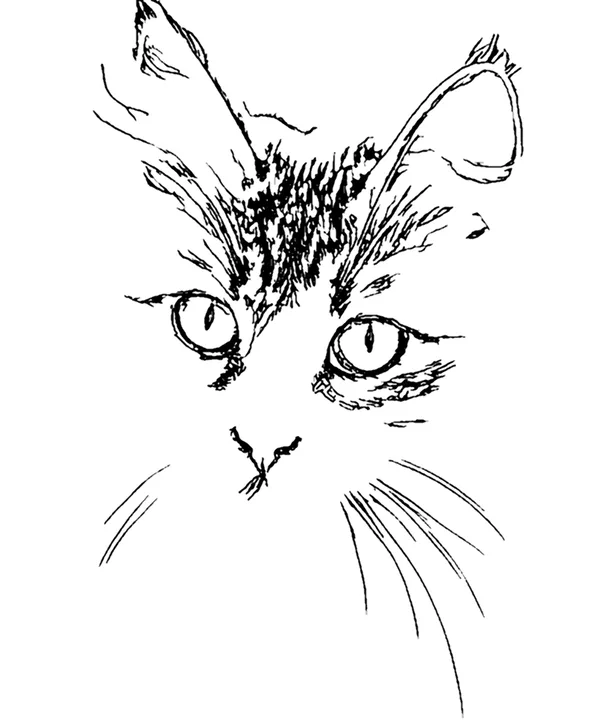
- Pick your best pet photoEye level, in good light, with the whole head or body in the frame. The steps below explain what makes a photo work.
- Adjust for the coloristFewer details and thicker lines for small children; more detail for older kids and adults who like to color fur.
- Print itDownload the PDF for Letter or A4. It prints as large as the paper allows.
From pet photo to coloring page
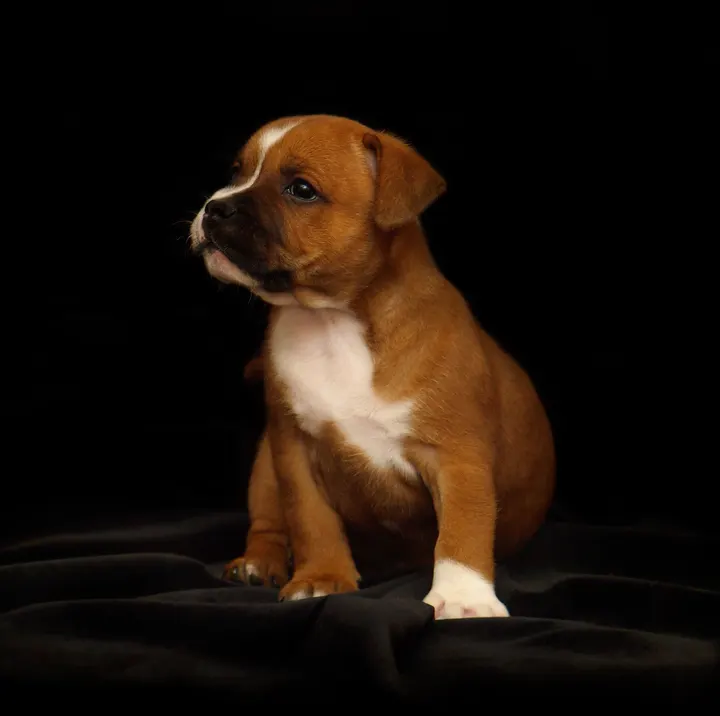
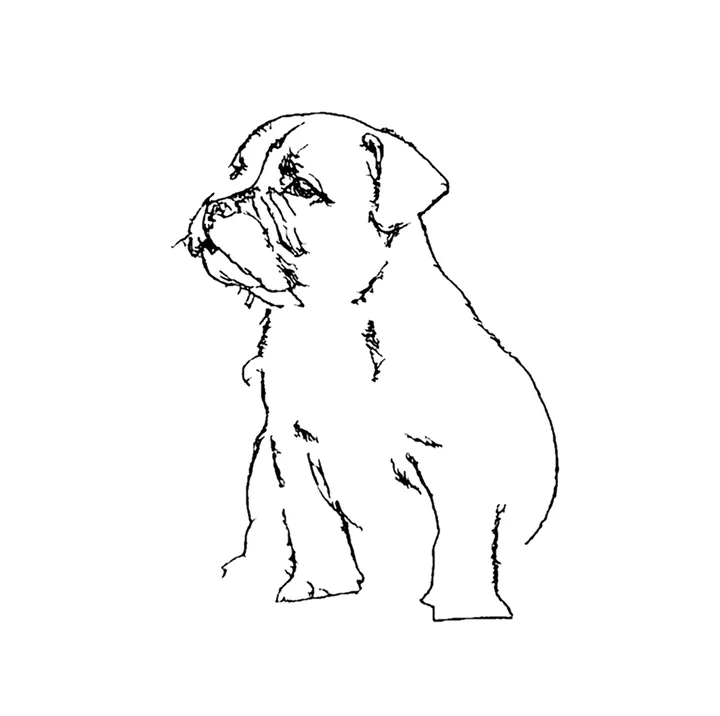
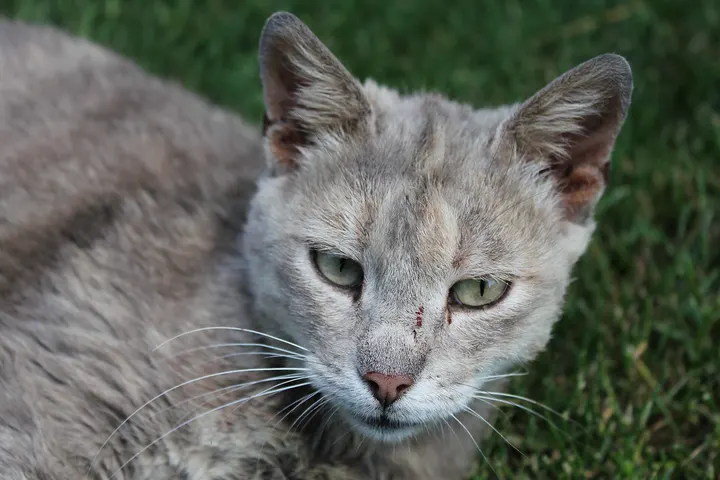
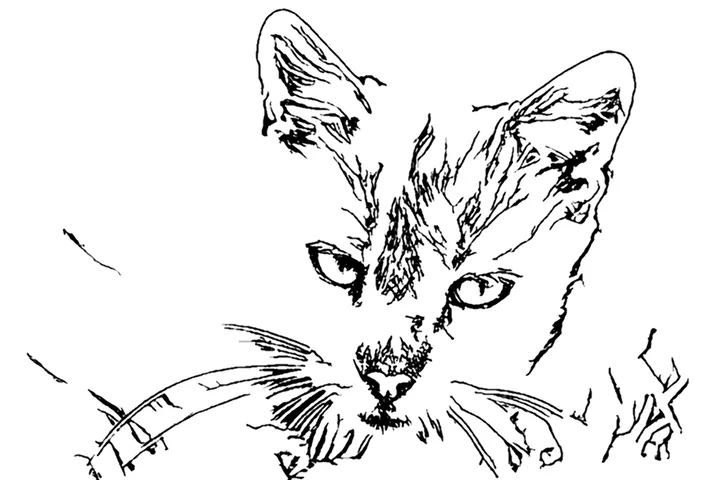
Sample photos from Wikimedia Commons, public domain (CC0): puppy, gray cat.


Taking a pet photo that becomes a good coloring page
Get down to their level
A photo taken from standing height looks down on the top of the head. Crouch so the camera is level with your pet’s eyes; the face, ears and outline all come out clearer.
Use soft, even light
Open shade outdoors or a bright window gives fur detail without harsh shadows. Avoid flash, which flattens the face and can turn eyes into white dots.
Keep the background simple
A plain wall, a blanket or the sky keeps the page about your pet. Grass and patterned rugs become a lot of extra lines; if you only have a photo like that, crop tight and lower Detail.
Mind the fur color
Very dark pets lose their features in shadow, and white pets on a white background lose their outline. A background that contrasts with the fur helps more than anything else. Our sample puppy shows the opposite case: a light dog on a dark blanket makes a clean outline.
Ideas for pet coloring pages
Make one for a child’s birthday with the family dog on it. Print a stack for a pet-themed party, or for the waiting room at a groomer or vet clinic, with the owner’s permission. A pet sitter can leave one as a thank-you. And when a pet has died, coloring their picture can be a gentle thing to do together with a child. For other subjects, use the photo to coloring page tool.
Questions people ask
How do I make a coloring page of my pet?
Choose a photo of your pet above. The coloring page appears in a few seconds; adjust Detail and Line thickness, then download a PDF for US Letter or A4 and print it.
My dog is black. Will the coloring page work?
Dark fur hides the shape of the face, so the drawing has less to go on. Use a photo taken in bright, even light, ideally outdoors in shade, and raise Detail. A lighter background behind a dark pet helps the outline.
Can I put two pets on one page?
Yes, if they are in the same photo. Crop so both fill most of the frame; a photo where each pet is small gives each of them only a few lines.
Can I color the page on a tablet?
Yes. Download the PNG and open it in a coloring or drawing app such as Procreate, then color on a layer underneath the lines.
Does it work for rabbits, horses and birds?
Yes. The drawing model is not limited to cats and dogs; any animal with a clear outline against its background works.
More free photo-to-drawing tools
- Picture to DrawingAll three styles in one place: sketch, line art and coloring page.
- Turn a Photo into a Coloring PageBold black outlines on white, sized to print on Letter or A4.
- Image to SketchA shaded pencil sketch with adjustable detail and darkness.
- Photo to Line ArtClean AI line drawings with no shading.