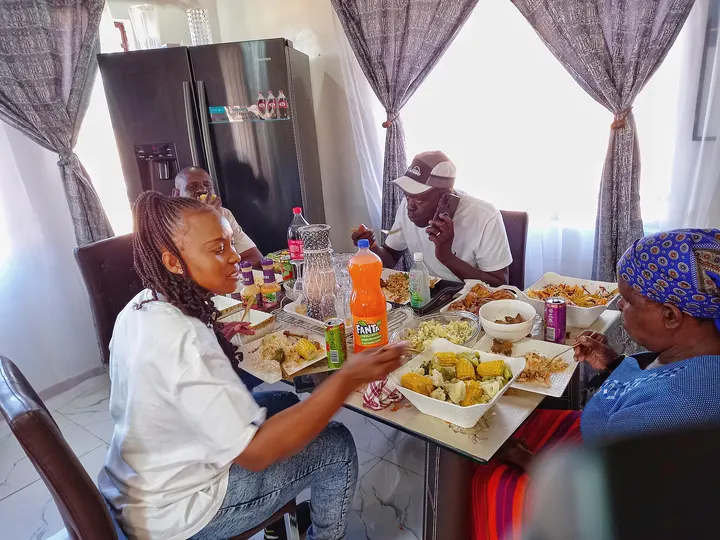
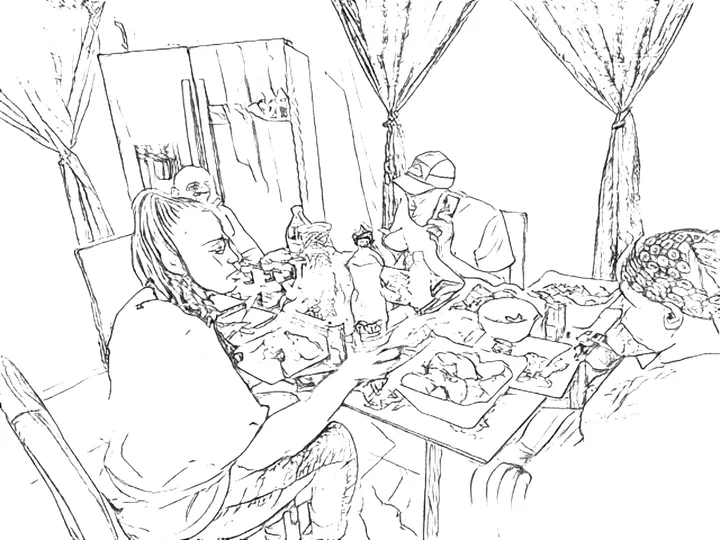
How to convert a photo to line art
- Choose a photoThe first time, your browser downloads the line-art model, about 8 MB. After that it is ready instantly.
- Let it drawThe model traces the outlines in one to three seconds on most computers, a little longer on phones.
- Refine and saveLower Detail to drop faint strokes, raise Line thickness for a bolder pen, then download a PNG or a PDF for US Letter or A4.
Why this line art looks drawn, not traced
Simple edge filters mark every change in brightness, so a photo of a cat on grass comes out as a cat buried in a thousand grass blades. The model used here works differently. It is Informative Drawings, published by Caroline Chan, Frédo Durand and Phillip Isola at CVPR 2022 and released under the MIT licence. It was trained to make line drawings that keep what a photo is about, the shape of a face, the outline of an ear, the edges of a building, and to skip texture and noise the way an illustrator would.
We run it with ONNX Runtime Web inside your browser, then apply a small amount of clean-up that you control with the sliders. Nothing about your photo goes anywhere else.
Photo to line art examples
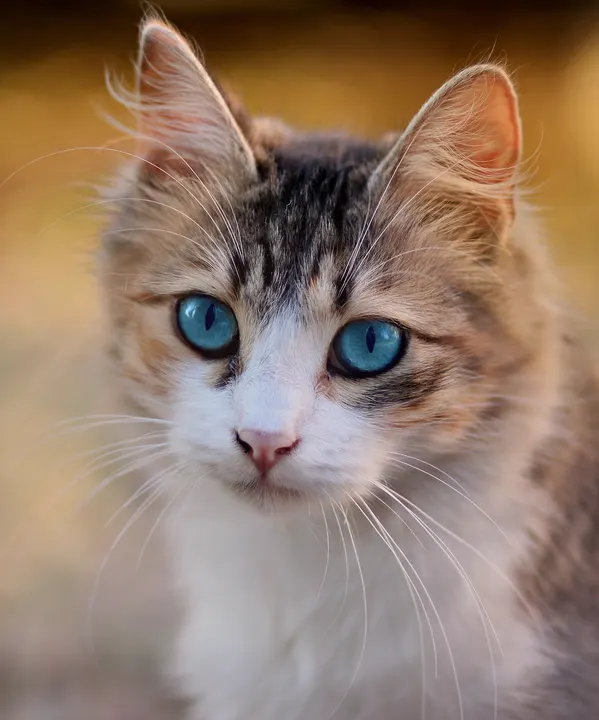
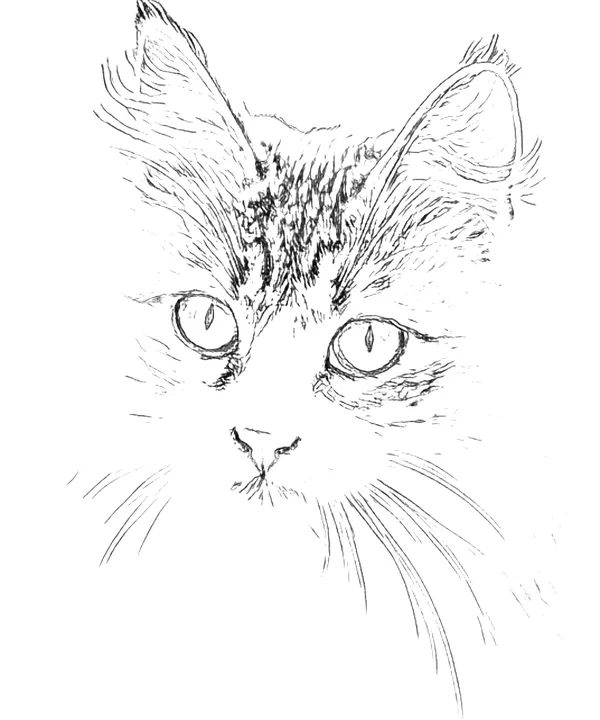
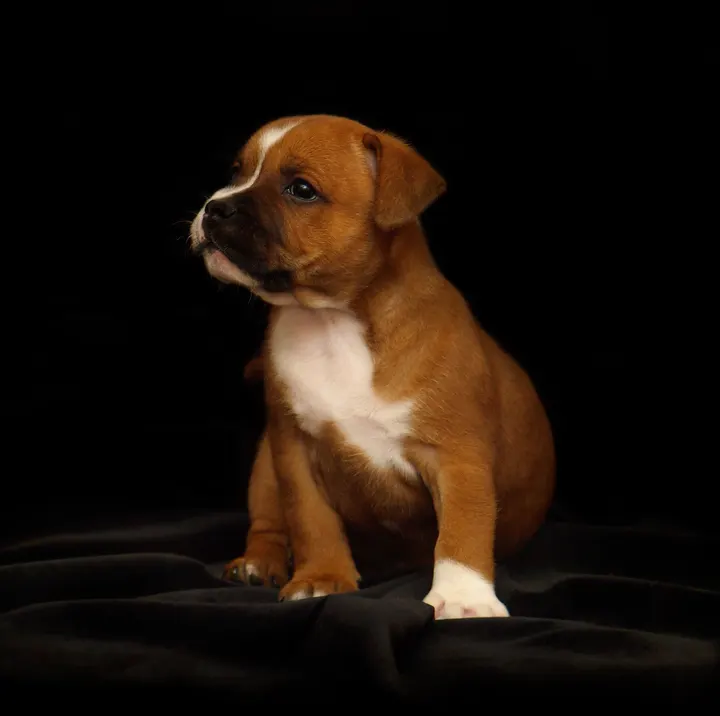
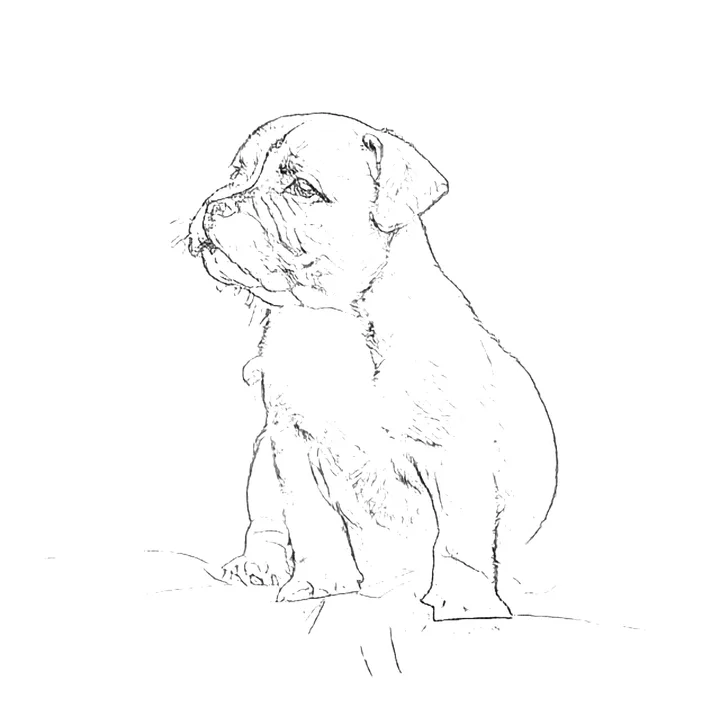
Sample photos from Wikimedia Commons, public domain (CC0): tabby cat, puppy.


What to do with line art
- Paint or color over it. Print it on heavier paper and use it as the underdrawing for watercolor, gouache or markers.
- Embroidery and wood burning. Print, transfer the lines to fabric or wood, and stitch or burn along them.
- Digital art. Load the PNG into Procreate, Krita or Photoshop as a guide layer, set it to Multiply, and paint underneath.
- Cards and keepsakes. A line drawing of a pet or a house makes a simple, personal card.
- Coloring. If you want closed shapes to color in, the photo to coloring page tool takes this same drawing further.
Questions people ask
How do I turn a photo into line art?
Choose a photo above with the Line art style selected. The AI model draws the outlines on your device in a few seconds; adjust Detail and Line thickness, then download a PNG or a printable PDF.
Is my photo sent to an AI service?
No. The line-art model is downloaded to your browser once (about 8 MB) and runs there with WebAssembly. Your photo is never uploaded.
Can I get an SVG or vector file?
Not yet. Downloads are PNG and PDF, both with a white background. Most cutting and engraving programs can trace a high-contrast PNG into vector paths.
Why are some lines broken or missing?
The model draws where it sees a meaningful edge. Low contrast between subject and background, such as a white dog on snow, gives it less to work with. Raise Detail to keep fainter strokes, or use a photo with more contrast.
What is the difference between line art and a coloring page?
Line art keeps the natural variation of the strokes, light and dark, thin and thick, like an ink drawing. A coloring page turns every line solid black, removes loose specks and joins strokes so there are shapes to color in.
More free photo-to-drawing tools
- Picture to DrawingAll three styles in one place: sketch, line art and coloring page.
- Turn a Photo into a Coloring PageBold black outlines on white, sized to print on Letter or A4.
- Image to SketchA shaded pencil sketch with adjustable detail and darkness.
- Make a Pet Coloring Page from a PhotoYour dog, cat or bunny as a page to color in.